A wrench attack is when someone skips the hacking and pressures you into handing over your crypto in person. No phishing link or malware, just the person holding the keys.
They're getting more common. Security firm CertiK counted 72 in 2025, and Chainalysis says 2026 is on pace for the worst year on record, with more than $30 million taken in the first half of the year.
Nobody can make you immune to a wrench attack. But you can make yourself a harder target and keep most of your TAO off your phone. This guide covers what wrench attacks are, why they're rising, the habits that lower your risk and how the decoy wallet in the taostats app fits in.
- What is a wrench attack?
- Why are crypto wrench attacks rising?
- How do you protect your TAO from a wrench attack?
- How does a decoy wallet work?
- Common questions about wrench attacks
- Final thoughts
A wrench attack is a robbery aimed at your crypto. The attacker uses force or threats to make you unlock your wallet and send your funds to them.
The name comes from an old xkcd comic. Two people plan to crack a laptop's encryption with a million-dollar computer. Two more realise it's quicker to hit the owner with a $5 wrench until they give up the password.
That's the point behind every crypto wrench attack: strong passwords and encryption don't help if someone can make you use them. Most reported cases happen at home or at a meeting arranged under false pretences.
Crypto is an appealing target because transfers are fast, they work from anywhere and they can't be reversed. There's no bank to call and no fraud team to freeze the payment.
Because they work, and because finding targets has got easier.
CertiK's latest overview counted 34 incidents between January and April 2026, up 41% on the same months of 2025. Europe accounted for 82% of them, with France alone recording 24. These are only the attacks that made it into public reporting, so the real number is higher.
The main reason is that holders have become easier to find. CertiK links many recent cases to data breaches that exposed crypto holders' names and addresses. Public posts about balances do the same job.
No single setting stops a wrench attack. What works is layers: keep less on the device someone could take from you, and make that device harder to read. It also helps to keep your balances private and your wallet addresses separate from your name, since anyone can look up an address on a block explorer.
Your phone goes where you go, so treat it like a wallet in your pocket, not a vault.
- Keep day-to-day amounts on your phone and larger holdings somewhere else.
- Use a hardware wallet such as a Ledger for serious amounts. The taostats app and Chrome wallet both support Ledger, so your keys stay off your phone and computer.
- Never keep your seed phrase on your phone, in your photos or in a notes app.
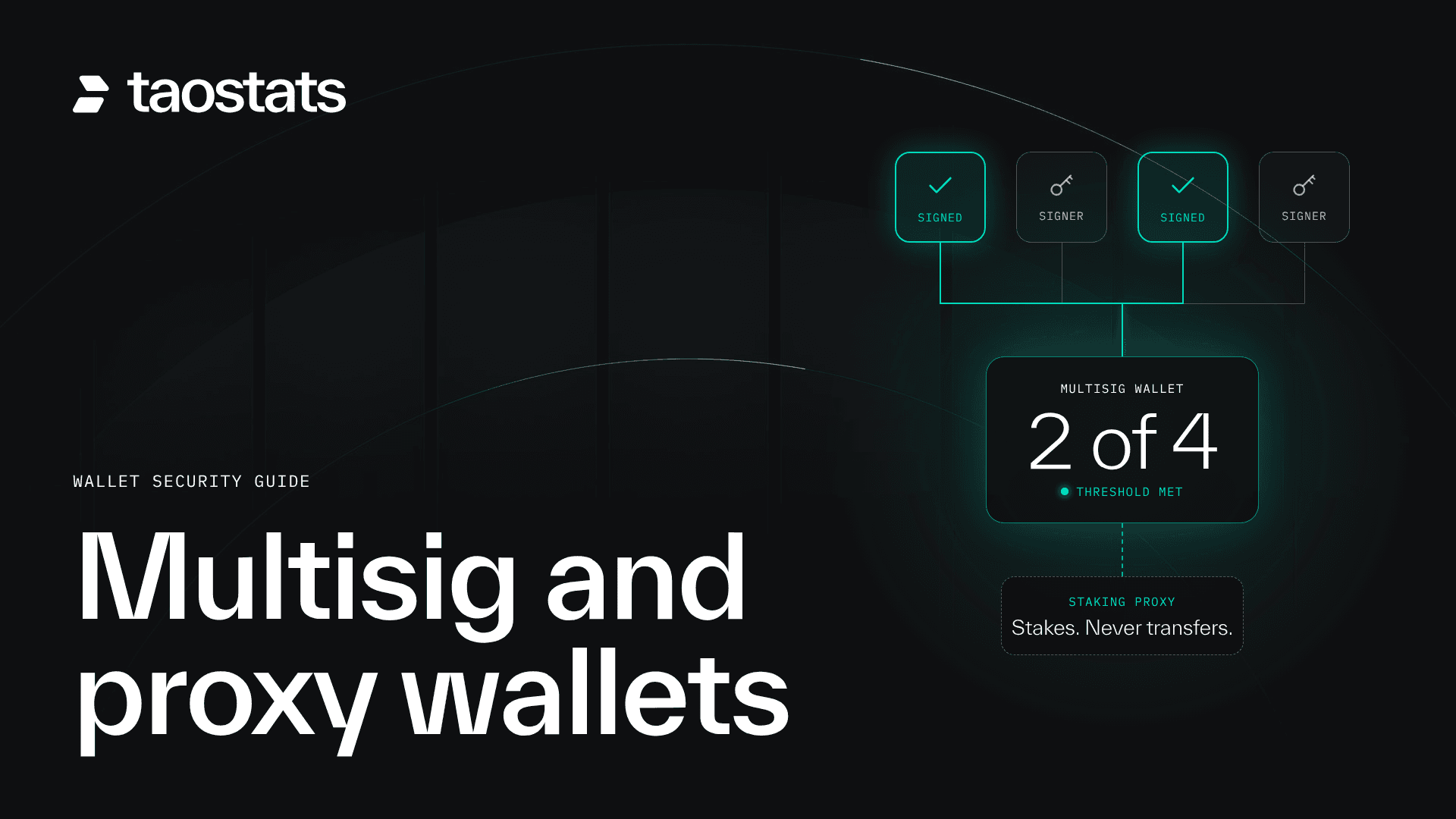
A multisig account needs more than one key to move funds, and those keys can live in different places or with different people. If one key holder is under pressure, the funds still can't move alone.
It's more work to set up, and it's the strongest option for large holdings. Proxies help too, by letting a separate key handle everyday actions so your main coldkey stays out of reach. Our Bittensor multisig wallet guide shows how to set one up on taostats without the terminal, with a video for every step.
The taostats app now lets you lock the whole app, not just signing. Go to Settings > Security > Protection and choose PIN or Biometrics, Biometrics only, or PIN only.
Once it's on, the app locks every time you open it and after a minute in the background. Your wallet list and address book are encrypted too, so someone who picks up your phone can't browse your wallets without unlocking it.
A quick note on the trade-off. A PIN is easier to guess than your face or fingerprint, so biometrics are the stronger option on their own. The PIN or Biometrics setting lets you use either to unlock, which also means updating your phone's Face ID or fingerprints won't lock you out of your wallet.
A decoy wallet is a second wallet that opens with a different PIN. If someone forces you to unlock the app, you enter the decoy PIN and the app shows only that wallet, with whatever balance you've chosen to keep there.
Some apps call this a duress PIN. The idea is plausible deniability: you've handed over a wallet, and nothing on the screen points to the one you didn't.
- Turn on a PIN under Settings > Security > Protection, if you haven't already.
- Turn on Add a decoy wallet in Security.
- Create a new wallet or choose an existing one to be the decoy.
- Add funds to it, if it doesn't have any.
- Choose your decoy PIN.
You can use your normal PIN entered backwards, or set a separate one.
We recommend a separate PIN. The backwards option is easier to remember, but anyone who knows the feature exists can ask you to enter your PIN the other way round. A separate PIN can't be worked out from your real one.
If your PIN reads the same both ways, such as 123321, the backwards option isn't available.
A decoy only helps if it looks like a real wallet.
- Give it a normal name. You choose the name, so pick something that sounds like any other wallet. "Decoy" gives the game away.
- Keep a believable balance. An empty wallet invites more questions. Hold an amount that could plausibly be all you own.
- Think about where the funds come from. Every Bittensor transfer is public. If you fund the decoy from your main wallet, anyone who looks the decoy up on a block explorer can follow that transfer back to your real balance. The app warns you about this. For better privacy, fund it from somewhere else, such as an exchange withdrawal, or use an existing wallet that isn't linked to your main one.
A decoy wallet is a fallback, not a guarantee. An attacker who has done their homework may know the feature exists, may already know your real address or may simply not believe you. It buys you a believable answer in a bad moment. It doesn't make you safe, and it isn't a reason to take a risk you otherwise wouldn't.
That's why it sits alongside everything above, not in place of it.
It's a wrench attack aimed at someone close to the crypto holder, such as a family member, to pressure the holder into sending funds. CertiK found this in more than half of the French cases it reviewed in early 2026.
A duress PIN is a second PIN that opens a limited view instead of everything. In the taostats app, it opens your decoy wallet, so the app shows only that wallet and its balance.
Sometimes. A decoy can satisfy someone who doesn't know the feature exists or doesn't check further. It won't fool someone who already knows your real holdings, so it works best as one layer alongside a Ledger, multisig and keeping your holdings private.
Wrench attacks are rare, but they're rising, and crypto holders are easier to find than they used to be.
- Keep your balances private and your addresses separate from your name.
- Keep only what you need on your phone, and use a Ledger or multisig for the rest.
- Lock the taostats app with a PIN, biometrics or either.
- Set up a decoy wallet with its own PIN, a normal name and funding that doesn't trace back to your main wallet.
None of this makes you untouchable. It makes you a harder, less rewarding target, which is the point.
Update the taostats app on iOS or Android, then head to Settings > Security to set up your PIN and decoy wallet.
Taostats is the block explorer and data analytics platform for Bittensor. It provides real-time and historical data on every subnet, validator, miner, block, account and transfer, alongside tools to stake, swap and move TAO, track a portfolio across wallets and export tax reports. Taostats is available on the web, as a free iOS and Android app that charges zero fees, and as a non-custodial browser wallet. For developers, taostats offers the leading Bittensor API, and taostats Pro adds higher limits and advanced tools for active holders, power users and teams.