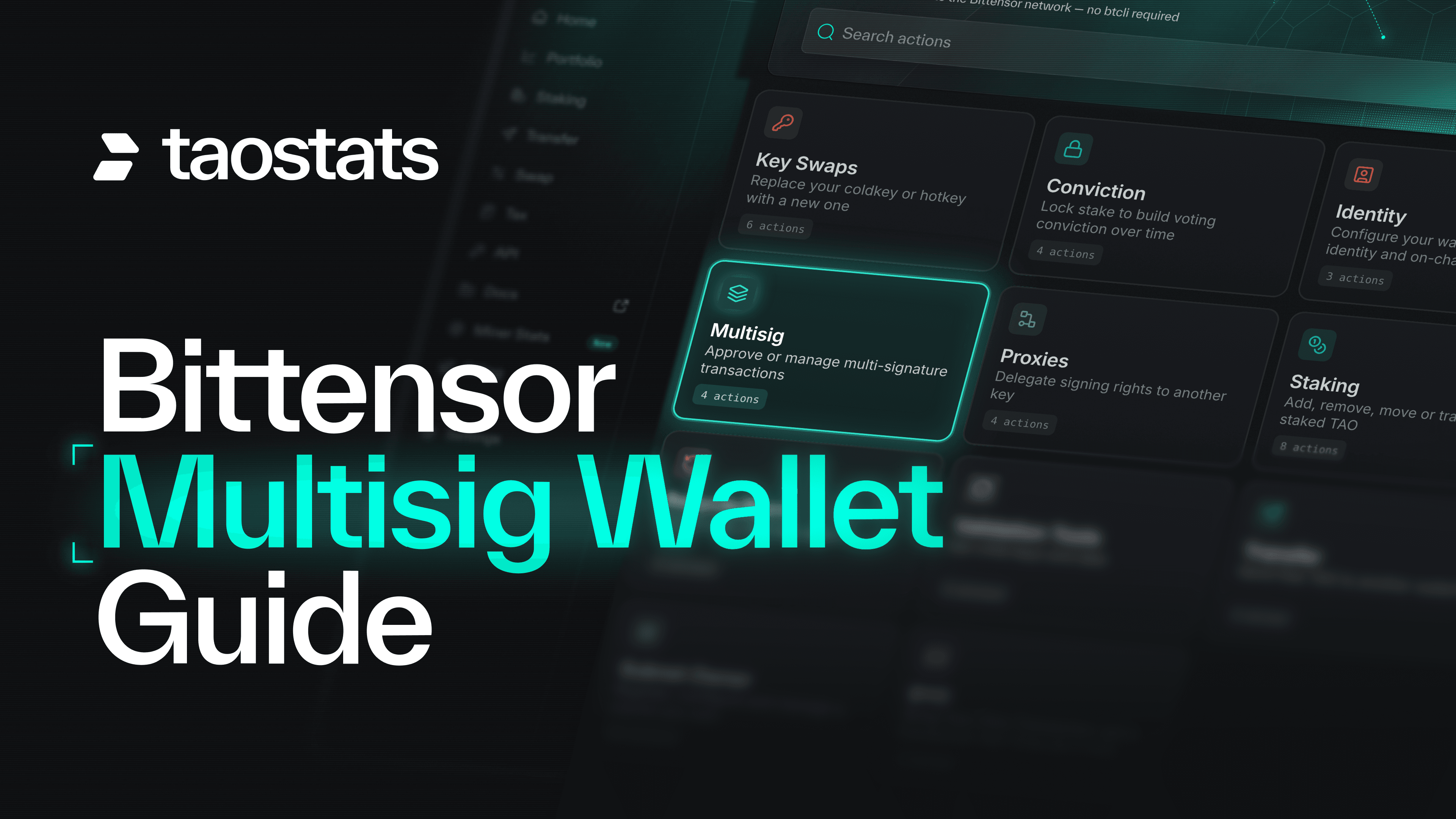
A Bittensor multisig wallet is a wallet that needs more than one key to approve a transaction. Instead of one key controlling everything, a group of signers shares control, so one stolen key isn't enough to take your funds and one lost key doesn't lock you out. It's one of the best ways to keep your TAO safe.
So why isn't everyone using one? Because until now, setting one up meant btcli, a pile of flags and a lot of hoping you'd got it right. With your bag on the line, plenty of people decided one key would probably be fine.
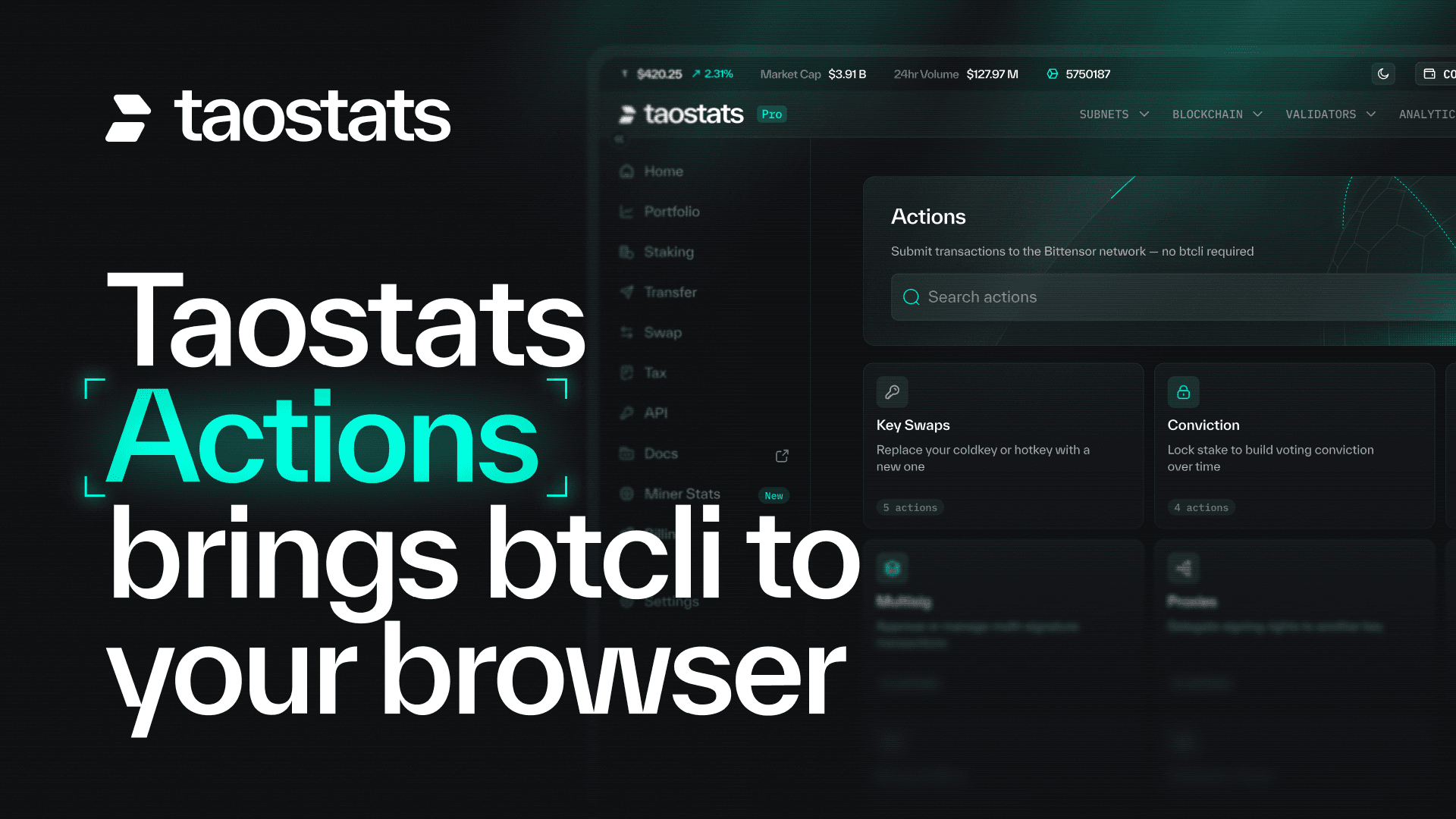
Not anymore. With taostats Actions, you can run a multisig in your browser. No btcli. No terminal.
This guide is the one place for all of it. It covers what a multisig is, why it matters and how to choose the right setup. Then it walks through every job you'll actually do: creating a multisig, sending public and private transactions, and cancelling the ones you don't want. Each one has a short video tutorial, so you can read the summary, watch it done, or both.
- Why is one key a risky place to keep your TAO?
- What is a Bittensor multisig wallet?
- How to create a multisig wallet
- Public or private: which multisig transaction should you use?
- How to complete a public multisig transaction
- How to complete a private multisig transaction
- How to cancel a multisig transaction
A standard wallet sits behind a single coldkey. One key. One seed phrase. One point of failure.
If that key is stolen, the funds can be drained. If it's lost, they're frozen. Blockchains don't do refunds.
It gets worse if you run a subnet or a validator. You're signing all the time: hyperparameters, identity, weights, stake changes. If the key doing that routine work is also the key holding the treasury, every signature is a fresh chance for a phishing link, a dodgy frontend or a compromised laptop to take the lot.
None of this is news. Bittensor's own multisig guide already recommends putting any valuable coldkey under multi-signature control. Our view is simpler: if losing that key would hurt, it shouldn't be the only key.
A multisig, short for multi-signature, works on a simple rule written as M-of-N: N signers, M approvals needed. In a 2-of-3 multisig, any two of the three signers can move funds, and no one can do it alone.
That gets you three protections from one setup:
- Theft protection. A thief with one key can propose a transfer but can't complete it.
- Loss protection. Lose a key and the remaining signers can still move the funds.
- Shared control. No single person can empty a team treasury.
One quirk worth knowing early: there's no "multisig key". The address is worked out from the list of signers and the threshold. Change either one and you get a different address, so replacing a signer means creating a new multisig and moving the funds across. Bittensor is built on Substrate, so this works the same way as multisig accounts on Polkadot.
Not sure? Pick 2-of-3. It's the most common setup because it works well: nobody can act alone, and you can lose a key without losing your funds. The one setup to avoid is needing every key, like 2-of-2 or 3-of-3. Lose one key and the funds are locked forever.
For other setups, and how a multisig fits with a Ledger and a proxy for a subnet or validator treasury, see the multisig tutorial and securing a wallet docs.
Everything starts here. In this tutorial, we open Multisig in taostats Actions and go to Import or Create New Multisig Wallet. Your connected wallet is added as the first signatory, you add the others, set the threshold and click Save multisig. The new multisig's address appears as soon as the signers and threshold are set, because that's where it comes from. The video also shows how taostats labels the signer that matches your connected wallet as "You", and how that label moves when you switch wallets, so you always know which key you're signing for.
Two things surprise people. Saving a multisig puts nothing on chain and costs nothing: it only appears on chain once it has its first transaction. And importing a multisig someone else set up is the same step as creating one. Enter the same signers and threshold and you get the same address.
Before you send your first transaction, decide how visible it should be. Both options are safe. The difference is what the world can see while your transaction waits for signatures.
A public transaction puts the full call on chain. Every co-signer can read it straight from the chain, so there's nothing extra to send.
A private transaction puts only a hash on chain. Nobody can tell what your multisig is doing until it executes, but your co-signers need the call data from you, and if it's lost the transaction can only be cancelled.
Either way, it's public once it runs. Private only hides it while it's pending.
Our take: use public unless you have a real reason not to. Simple beats clever when money's on the line. Go private when pending activity would tip someone off, and turn on Make unguessable if the transaction is predictable.
This is the everyday flow, and the tutorial covers it end to end. One signer opens Create Your Multisig Transaction, picks the multisig, chooses Public and adds the call data. Their signature counts as the first approval. The next signer opens Approve Multisig, where the pending transaction is waiting with its approvals so far, its call hash and the block it started at. Because it was built in taostats, the call is decoded, so they can check it does what they expect before signing. The approval that reaches the threshold becomes Approve and execute, and the transaction runs as soon as it's included in a block.
The video also answers the question everyone asks first: where does the call data come from? You don't write it by hand. Build the transaction you want with any other taostats action, such as a transfer in Send Free TAO, then choose Perform transaction using multisig to carry it straight into the multisig form. Or have an agent build it for you.
The private flow looks almost the same, with one extra job: getting the call data to your co-signers. In the tutorial, we choose Private, so only a hash of the transaction goes on chain when it's signed and submitted. Taostats then asks you to copy the call data and confirm you'll send it to your co-signers, because without it they can't see or approve the transaction. If a co-signer approves in the same browser, the call data is remembered. If not, they paste in what you sent them, and the final signer approves and executes as normal.
The video also covers Make unguessable. A plain hash can be guessed if the transaction is predictable, like the same transfer every week: anyone can hash their guess and compare it with the chain. Make unguessable adds a remark of random bytes to the call so the hash can't be matched, for a negligible fee. You can switch it on or off for each transaction.
Pending transactions don't have to sit there forever. A co-signer goes quiet, the amount was wrong, or you've changed your mind. This short tutorial opens View or Cancel Multisig Transactions, which lists every pending transaction for your multisig with its call hash, approvals and the wallet that started it.
The key rule: only the wallet that created a transaction can cancel it. In the video, switching to another signer removes the option entirely. Back on the creating wallet, it's one click on Cancel transaction, then sign and submit. There's a small fee, and the deposit reserved when the transaction was opened goes back to that wallet.
A multisig only protects you if every signer actually reads what they're approving. Three people approving a call nobody checked is just one mistake with extra steps.
Before you sign anything on taostats, the review screen shows the decoded call, its arguments, the multisig address, the call hash and the approvals so far. Use it:
- Read the decoded call. Is it the transfer, amount and recipient you expected?
- For private transactions, match the hash. If the call data you were sent doesn't match the hash on chain, something has changed. Don't sign.
- Check the result, not just the status. A multisig can execute while the transaction inside it fails. The worked examples show exactly what that looks like.
The tutorials show you how. Three taostats docs explain the detail behind them:
- Multisig, explained: how M-of-N works, choosing a threshold, and public versus private transactions.
- Multisig worked examples: four real multisig transactions on chain, from proposal to execution or cancellation.
- Securing a wallet: how multisig fits with Ledgers and proxies to protect a treasury.
No. You can create, approve and cancel multisig transactions in your browser with taostats Actions. btcli still works if you like the terminal, but you don't need it.
No. Actions is non-custodial: your keys stay in your wallet. Taostats never receives your seed phrase. Every transaction is signed in your own wallet.
Signing multisig transactions in Actions needs a paid taostats Pro plan, starting with Power at $9 a month (as of October 2026). Meet taostats Actions covers everything else it can do.
Not in place. Changing signers or the threshold creates a new multisig address, and you move the funds across. Plan your setup before you fund it.
A single coldkey is one bad click away from an empty wallet. A Bittensor multisig wallet means one bad click isn't enough, and taostats means you don't need a terminal to set one up. Start with 2-of-3: nobody can act alone, and you can lose a key without losing your funds. Keep transactions public unless you have a reason to hide them, and read the decoded call every time you sign. Then stop putting it off. Pick the tutorial you need and set up your multisig on taostats.
Taostats is the block explorer and data analytics platform for Bittensor. It provides real-time and historical data on every subnet, validator, miner, block, account and transfer, alongside tools to stake, swap and move TAO, track a portfolio across wallets and export tax reports. Taostats is available on the web, as a free iOS and Android app that charges zero fees, and as a non-custodial browser wallet. For developers, taostats offers the leading Bittensor API, and taostats Pro adds higher limits and advanced tools for active holders, power users and teams.